
Support & FAQ
Get answers to common questions and troubleshooting tips.
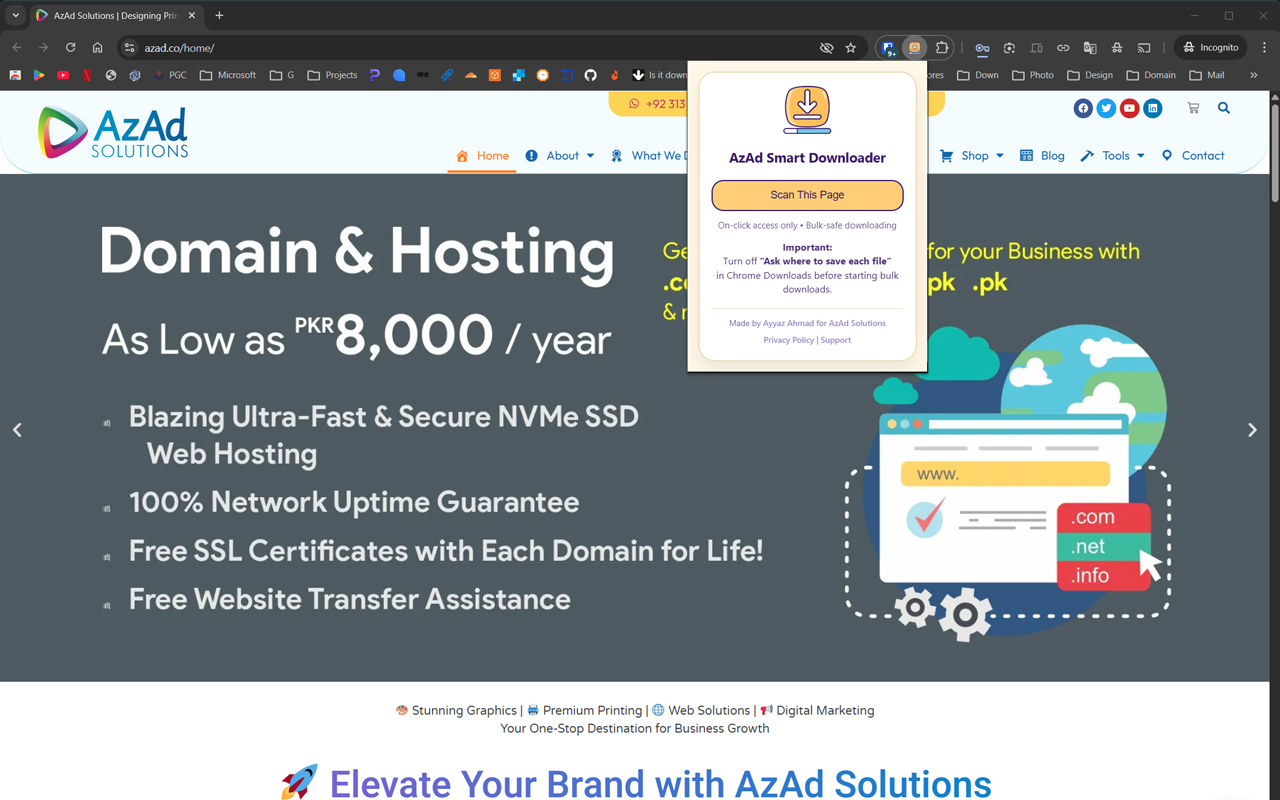
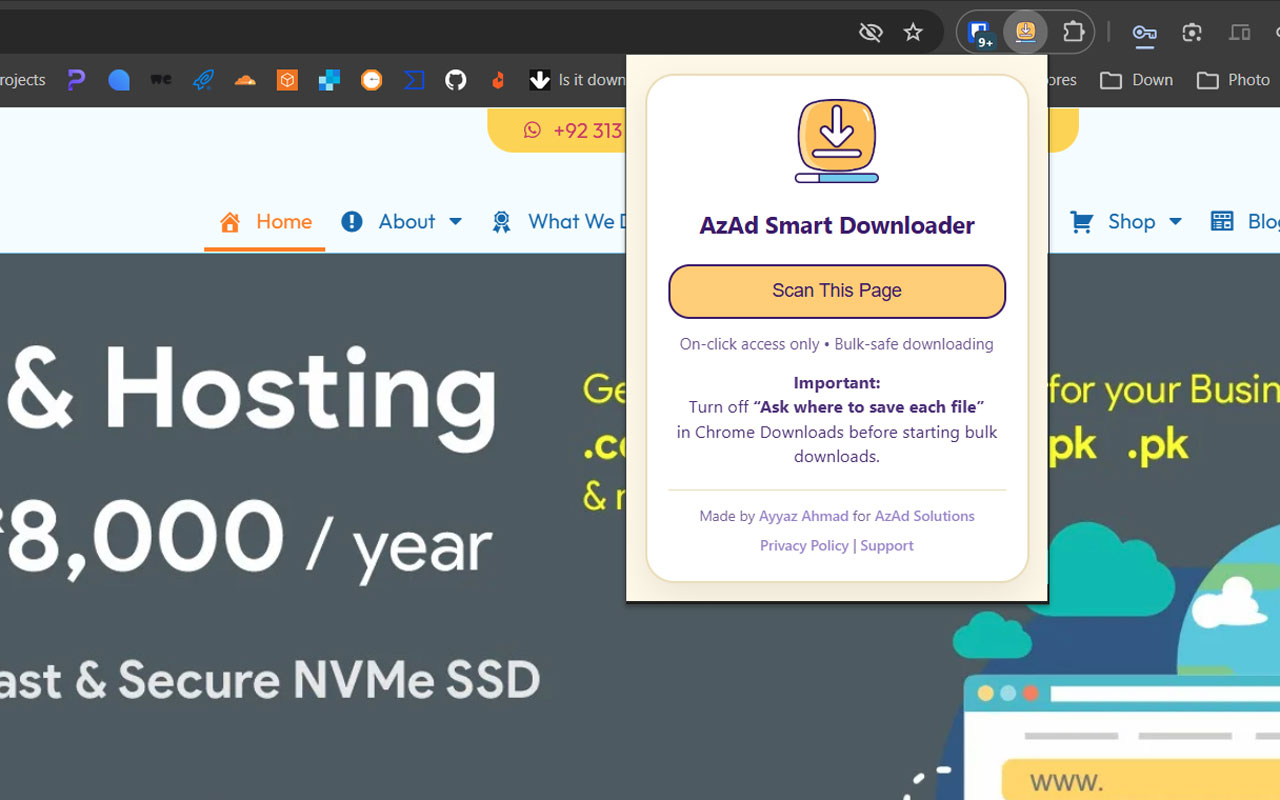
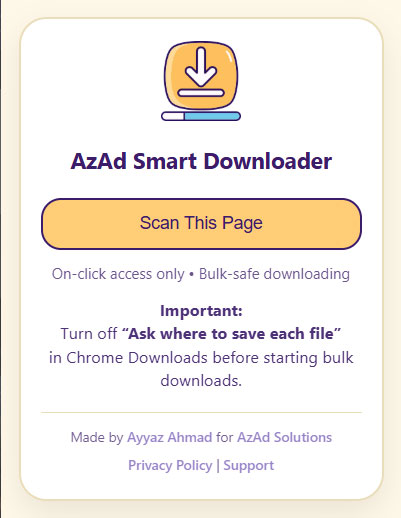
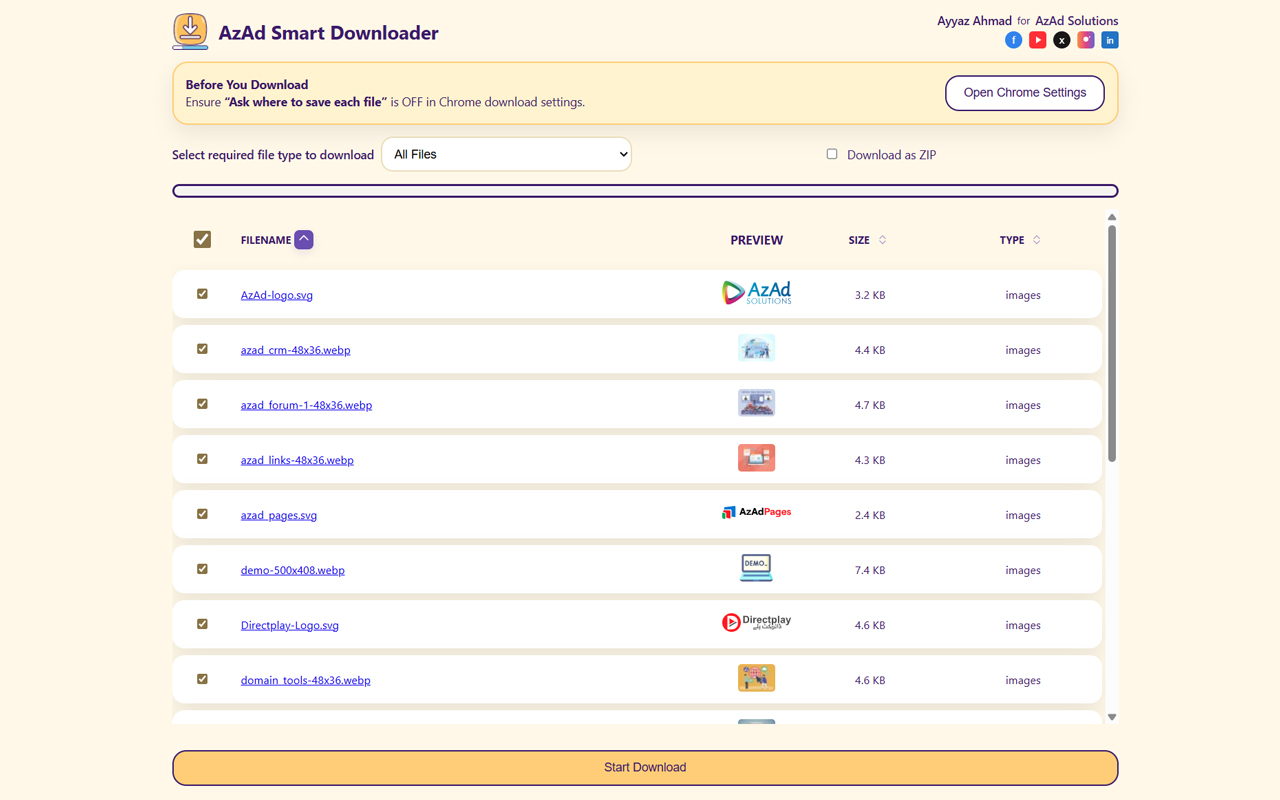
📸 Screenshots
A quick look at the popup and download panel.
❓ Frequently Asked Questions
A: Yes! The extension is completely free and open-source. No subscriptions, no premium features, no ads. We believe in making useful tools accessible to everyone.
A: No. We are 100% privacy-focused. All scanning happens locally in your browser. No data is sent to servers. No tracking, no analytics, no personal information collected. See our Privacy Policy for full details.
A: Visit the Chrome Web Store listing for AzAd Smart Downloader, click "Add to Chrome", and approve the permissions. The extension icon will appear in your toolbar. That's it!
A:
- activeTab: To scan the current webpage
- scripting: To run the scanner on the page
- downloads: To save files to your Downloads folder
- storage: To save your preferences locally
We only use what's necessary and only when you click "Scan This Page".
A: The extension works on most websites, but some may block downloads or have security restrictions. If a file doesn't download, it may be restricted by the website itself, not our extension. Chrome's download rules will apply similar to manual downloads.
A: Downloads are organized in folders like: Downloads/website-name/images/file.jpg. This keeps your Downloads folder neat and organized by source and file type.
A: Yes! Go to extension options (right-click icon → Options) to adjust:
- Parallel connections (for speed vs. stability)
- Retry attempts for failed downloads
- Auto-scroll settings
A: The extension scans for:
- Images: JPG, PNG, GIF, WebP, SVG, BMP
- Documents: PDF, DOC, DOCX, XLS, XLSX, PPT, PPTX
- Videos: MP4, WebM, MOV, AVI, MKV
- Audio: MP3, WAV, OGG, M4A, FLAC
- Archives: ZIP, RAR, 7Z, TAR, GZ
A: Some possibilities:
- Files are loaded dynamically (JavaScript) and may need more time to load
- Images are behind JavaScript obfuscation or CDN protection
- The website actively blocks download tools
- Files are fetched via API instead of direct URLs
Try clicking "Scan This Page" again or waiting a moment for dynamic content to load.
A: Downloads use Chrome's native download system. You can pause downloads in Chrome by clicking the download icon in your toolbar. Once closed, downloads can be resumed if the server supports partial requests.
A: Yes! Check out our GitHub repository. You can review the code, contribute, or fork it for your own use.
🔧 Troubleshooting
Try:
- Reload the page (F5)
- Disable and re-enable the extension (chrome://extensions)
- Clear browser cache and cookies
- Restart Chrome
Check:
- Your Downloads folder is accessible and has write permissions
- You're not running out of disk space
- Chrome's download settings aren't blocking the downloads
- Try adjusting download concurrency in extension options (lower = more stable)
The extension needs proper permissions. If you see errors:
- Right-click the extension icon → "Manage extension"
- Ensure all permissions are granted
- Reinstall the extension if needed
This is usually a connection issue:
- Check your internet connection
- Try downloading individual files instead of bulk
- Increase retry attempts in extension options
- Lower parallel connections to increase stability
📞 Still Need Help?
If your issue isn't covered here:
- 📧 Email: info@azad.co
- 🐛 Report a bug: GitHub Issues
- 💬 Discussions: GitHub Discussions
- 🌐 Website: azad.co